
Polygon modeling
Every modeling tool, one key away.
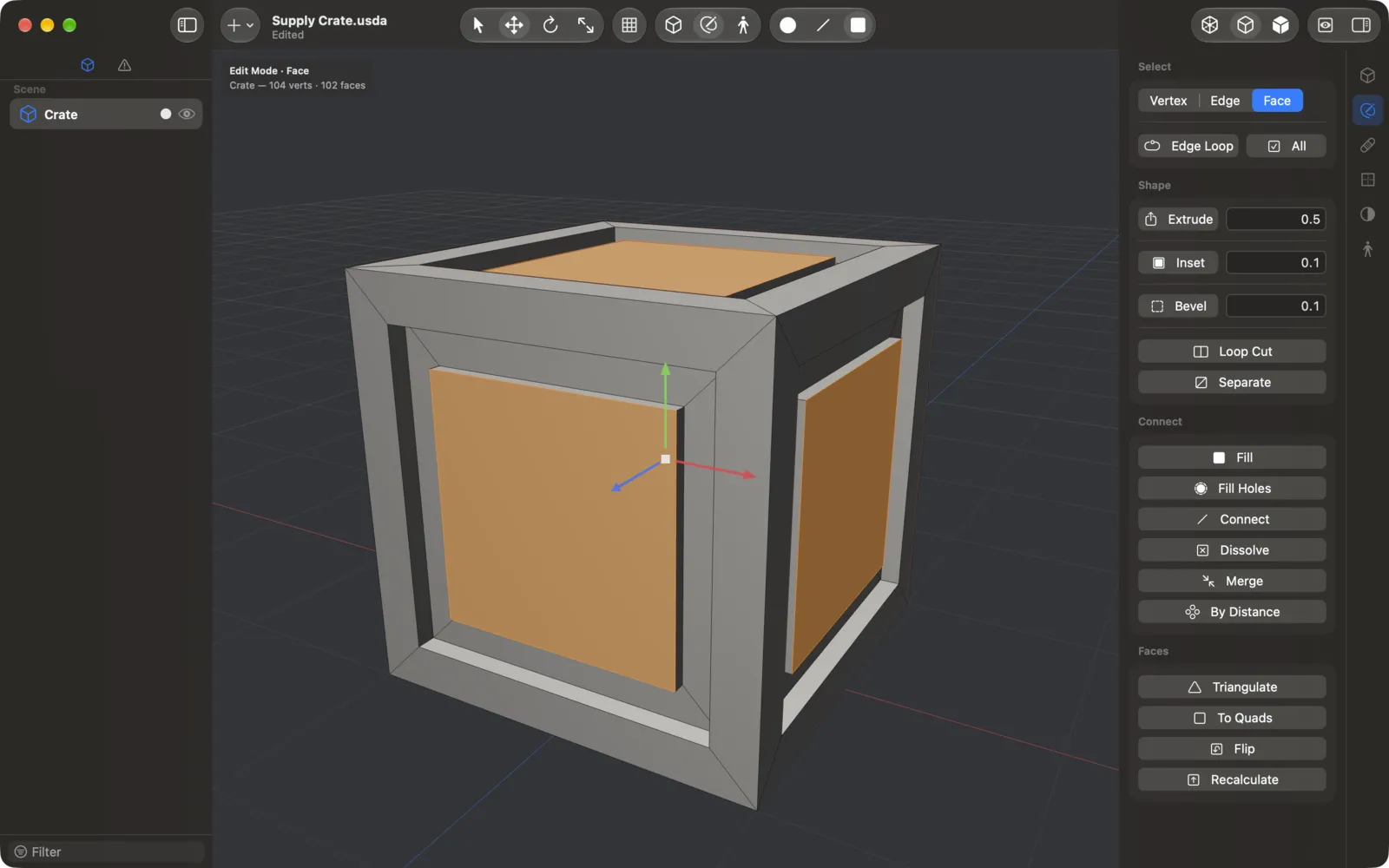
Extrude, inset, bevel, loop cut and fill holes. Every step is in the menus and the command palette (⇧⌘P), and can be undone.

3D modeling, made for Mac.
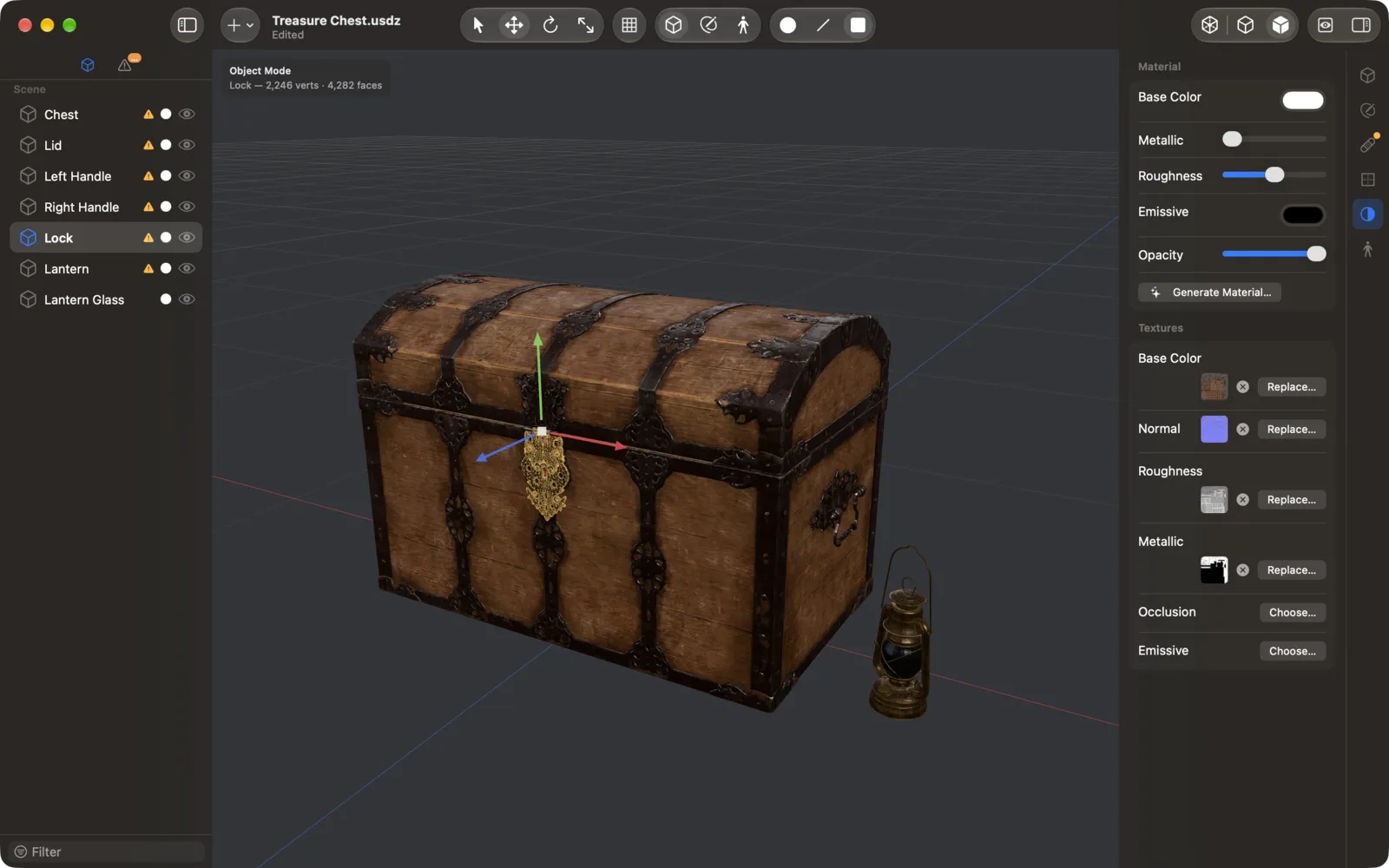
Model, texture, rig and ship 3D assets in a native app built on Metal and USD. The fastest way on a Mac to make, fix and ship models for the Apple ecosystem.
Free · Optional MeshEdit Pro · macOS 27 or later · Apple silicon
Features
Polygon modeling
Extrude, inset, bevel, loop cut and fill holes. Every step is in the menus and the command palette (⇧⌘P), and can be undone.
Object Capture PRO
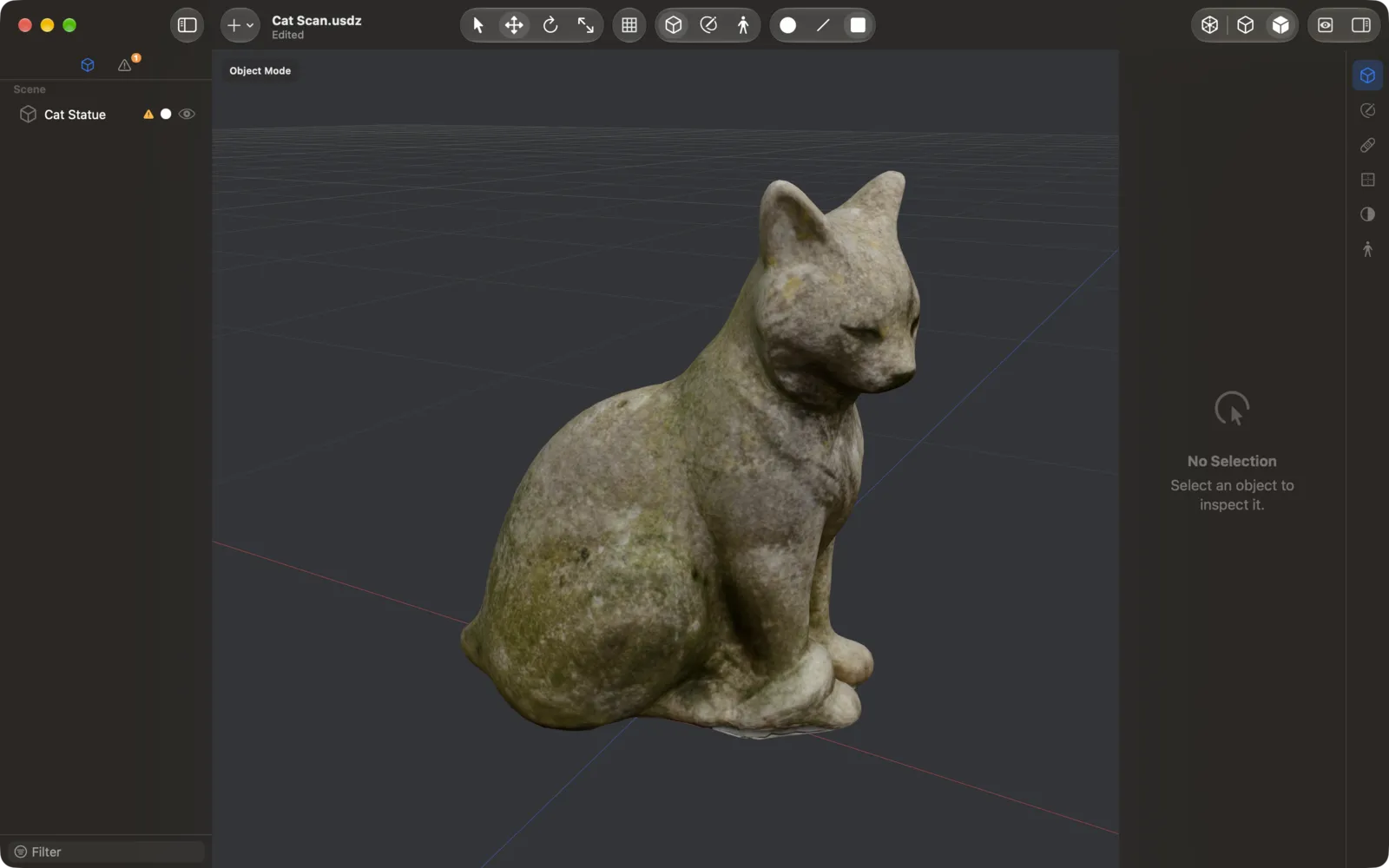
Point MeshEdit at a folder of photos and get a textured model, rebuilt on your Mac. Then reduce its polygons without losing the textures.
Retopology PRO
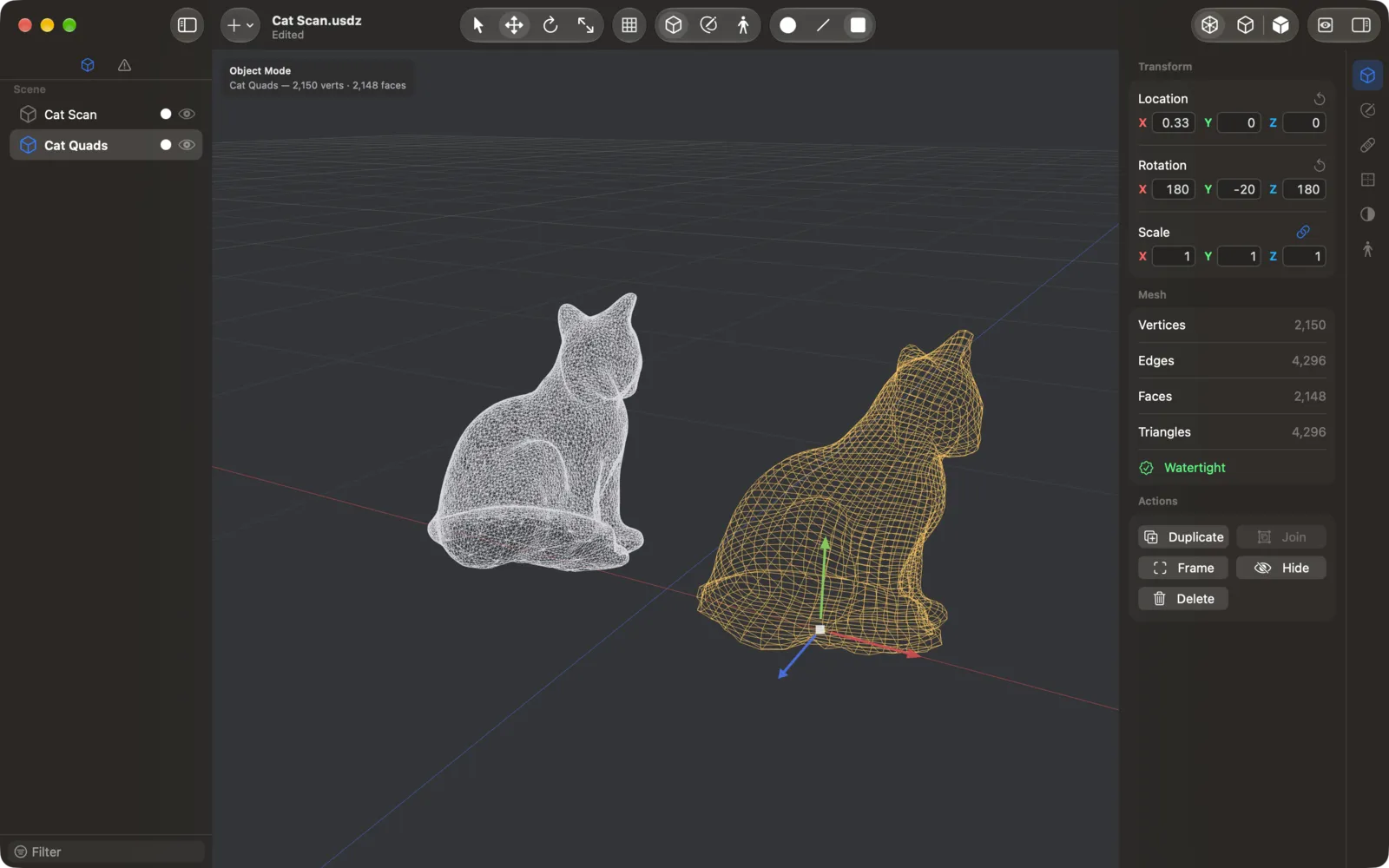
Rebuild scans and generated models as even, all-quad meshes at the face count you choose. Ready to edit, rig or subdivide.
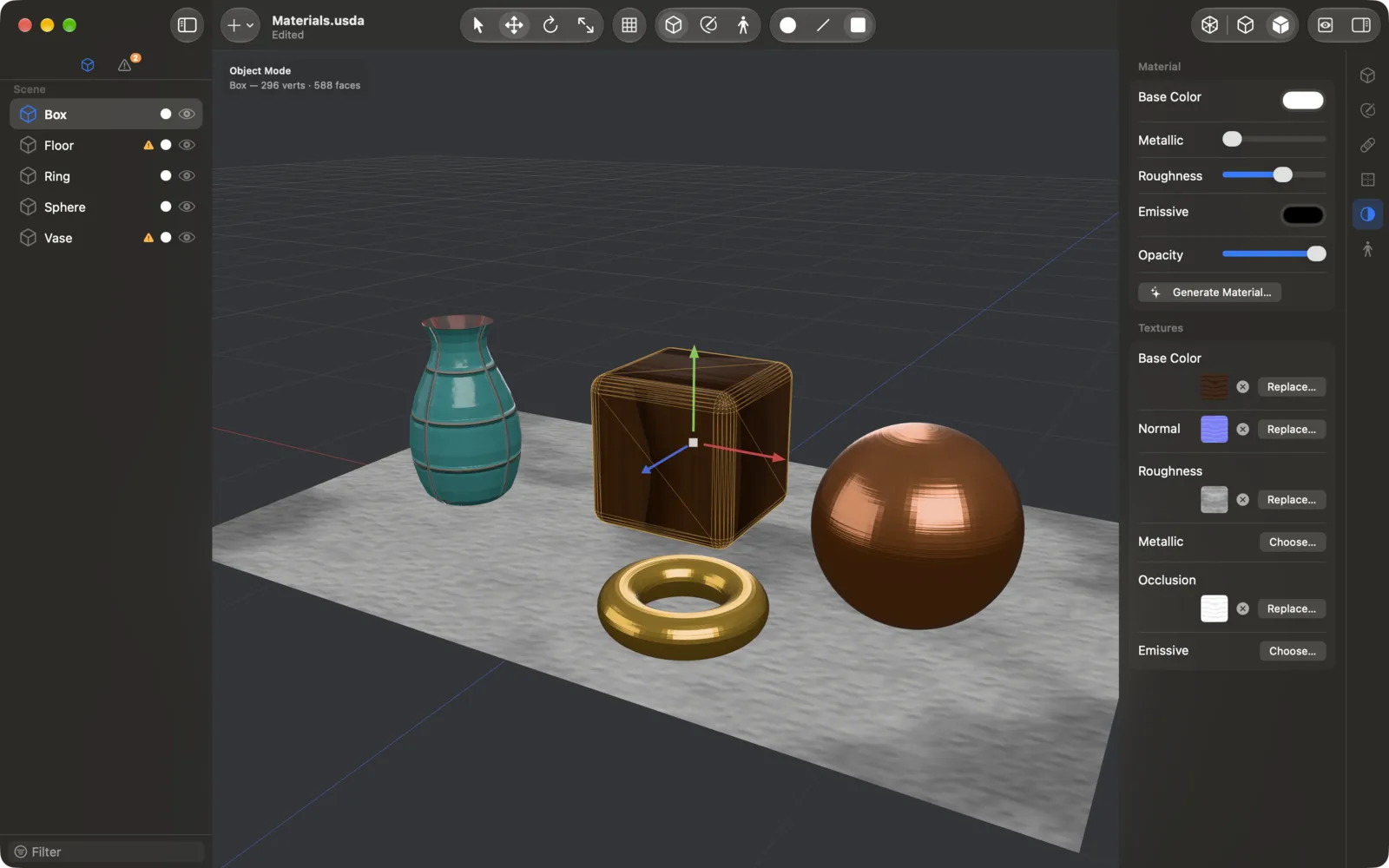
Generate Material PRO
Type “rusty iron” or “white ceramic tiles” and Apple Intelligence designs seamless color, roughness, normal and occlusion maps, right on your Mac.
Auto-Rig PRO
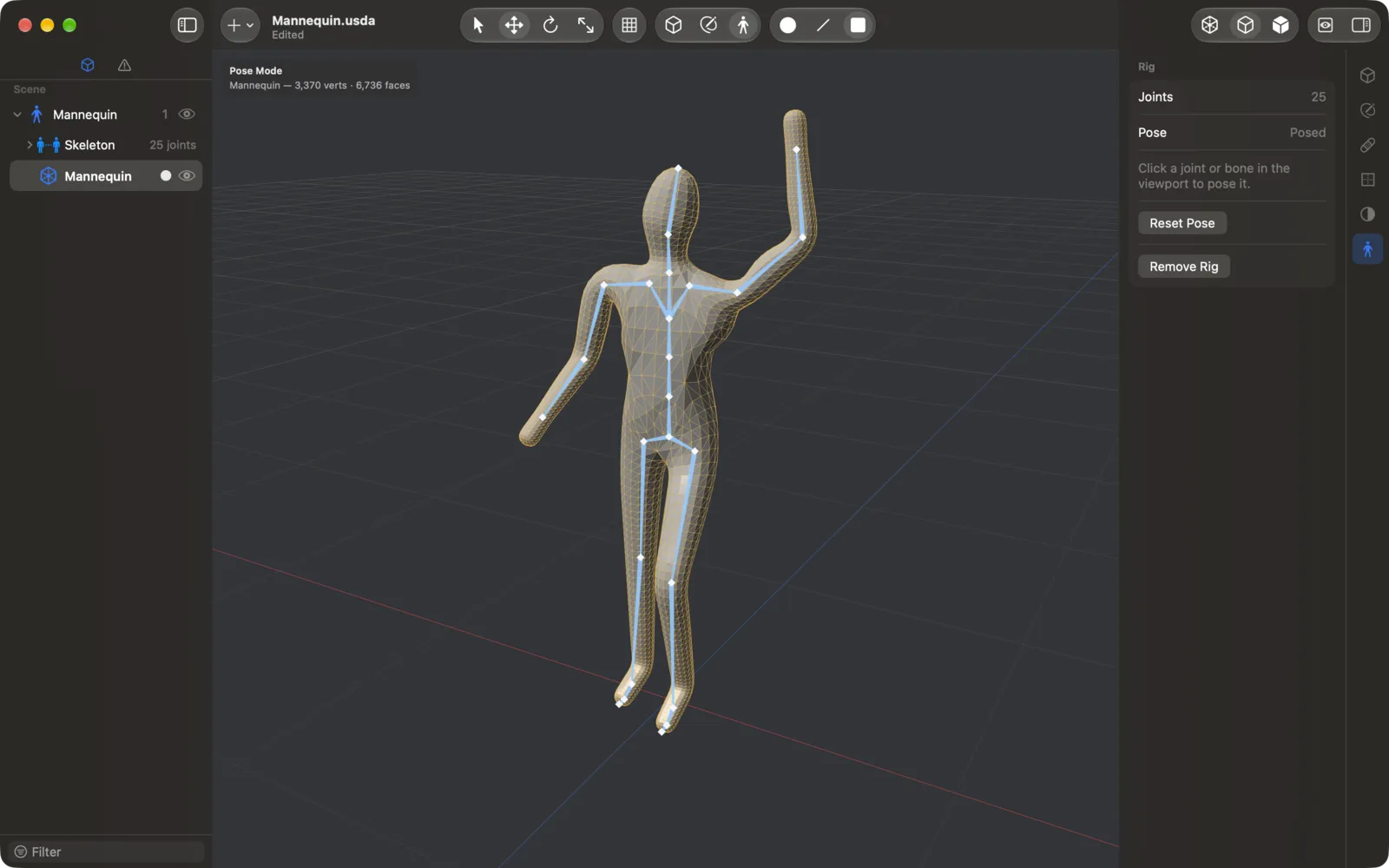
Drop eight markers on a humanoid and Auto-Rig builds a skeleton with Mixamo joint names, ready to pose and animate.
Export presets
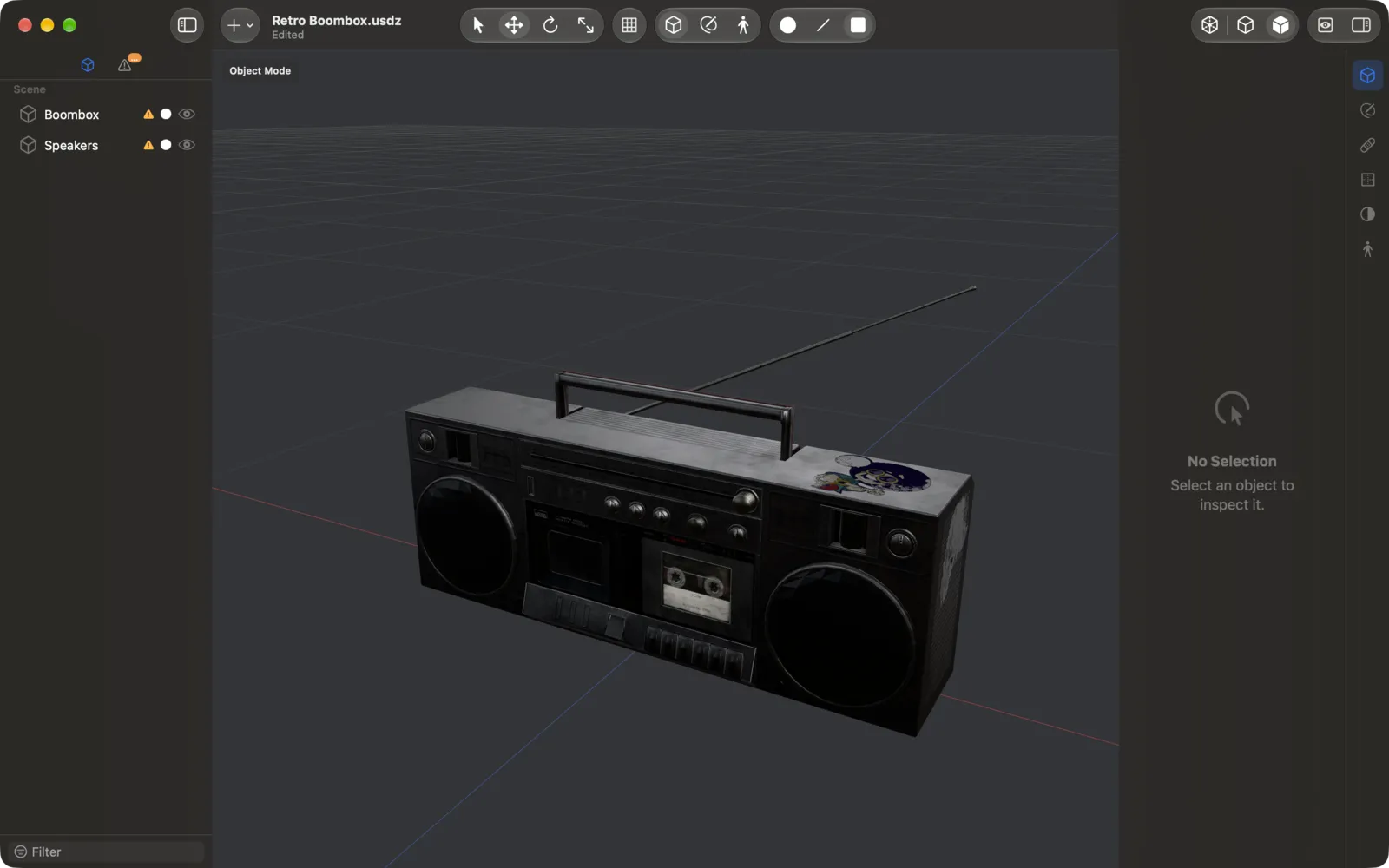
Presets for AR Quick Look, the web, game engines and 3D printing flag problems and fit the model to its triangle budget before you export.
AI agents PRO
Claude Code, Codex and other MCP agents can read and edit your models, but only after you allow it. Every change is a step you can undo.
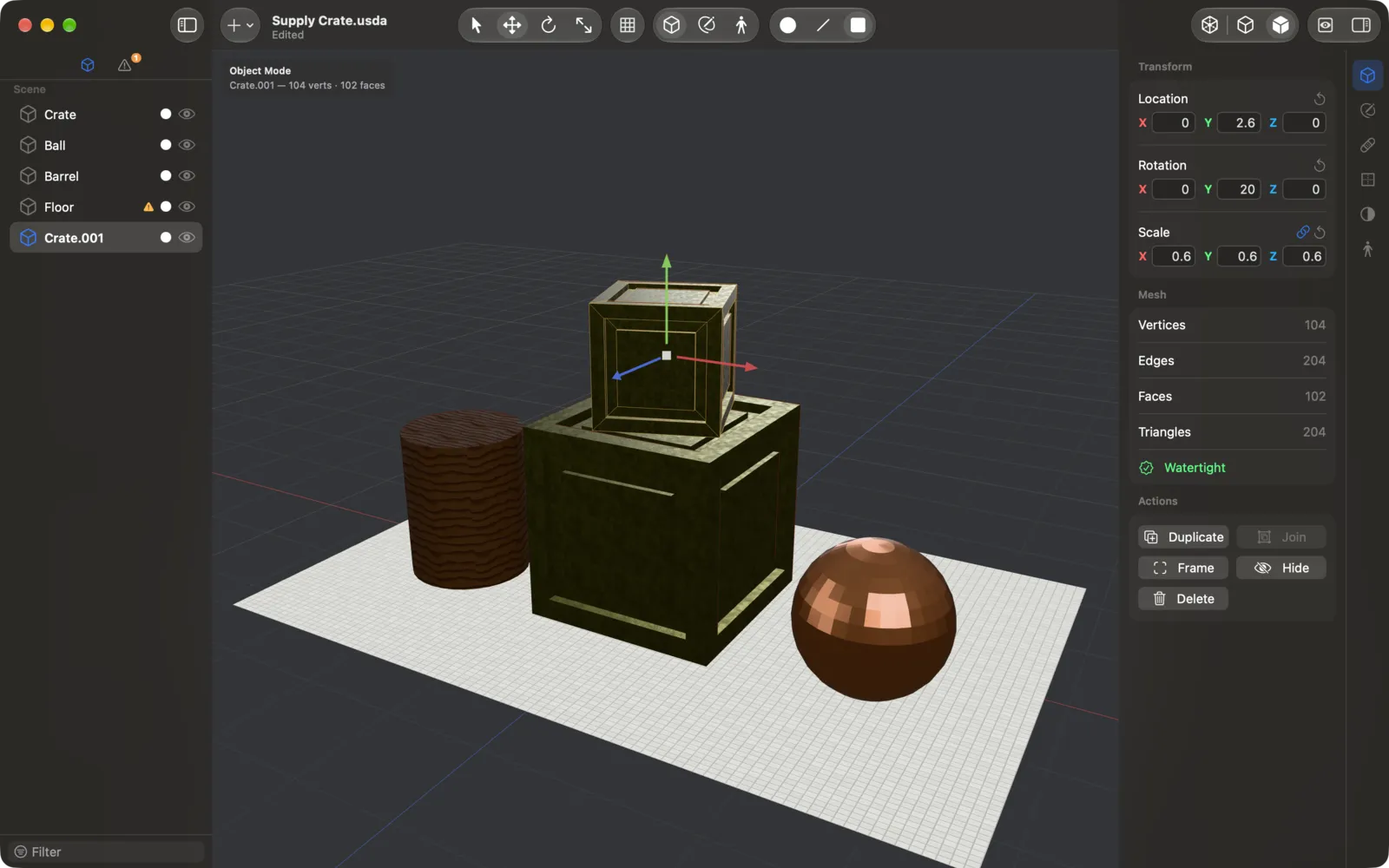
USD is its native format: it keeps n-gons, materials, textures and rigs, and exports USDZ validated for AR Quick Look.
New models save themselves to your iCloud Drive, so they're on all your Macs.
Convert a whole folder of OBJs to USDZ with a shortcut, or ask Siri to “Retopologize this in MeshEdit”.
Find open edges, non-manifold edges and flipped faces, and fix them in one click.
Film a full turn around your model as an MP4, or render 4 to 36 views from around it for your portfolio.
A shortcut for every tool, a printable sheet listing them all (⌘/), and trackpad or mouse navigation.
| FORMAT | OPEN | EXPORT |
|---|---|---|
| USD (.usda, .usdc, .usdz) | Yes | Yes · native format |
| OBJ | Yes | Yes |
| glTF 2.0 (.gltf, .glb) | Yes | Yes · Pro |
| FBX | Yes | Yes · Pro |
| STL | Yes | Yes · Pro |
| PLY | Yes | Yes · Pro |
| Alembic (.abc) | Yes | — |
Pricing
Free
14 days free
Then a yearly App Store subscription.
What you pay for is yours: if your subscription ends, you keep every Pro tool released while it was active, for good.
Privacy
MeshEdit doesn't collect your data.
No accounts, analytics or ads. Your models stay on your Mac or in your iCloud Drive, and Apple Intelligence and Object Capture run on the device.
Something not working as expected, or missing a tool? Tell us, and the person who builds it will answer. In the app, Help › Report a Bug… gathers the technical details for you.
Or email us at [email protected].
No. Download it from the Mac App Store and choose New on the welcome window to start.
Yes, on every Mac signed in with your Apple Account. On each one, Settings › MeshEdit Pro › Restore Purchases unlocks it.
You keep, for good, every Pro tool released before your plan ended. Only tools released later need a renewal. Bug fixes reach everyone.
Settings › Agents shows the exact command for Claude Code, Codex or Claude Desktop. The first time an agent wants to change a model, MeshEdit asks you.