

play.unikia.es
Games to play right now.
Open your browser and play, with nothing to install. Or download Uniplay for Mac and Windows and play offline too.
Free · 12 games · 7 languages · controller or keyboard
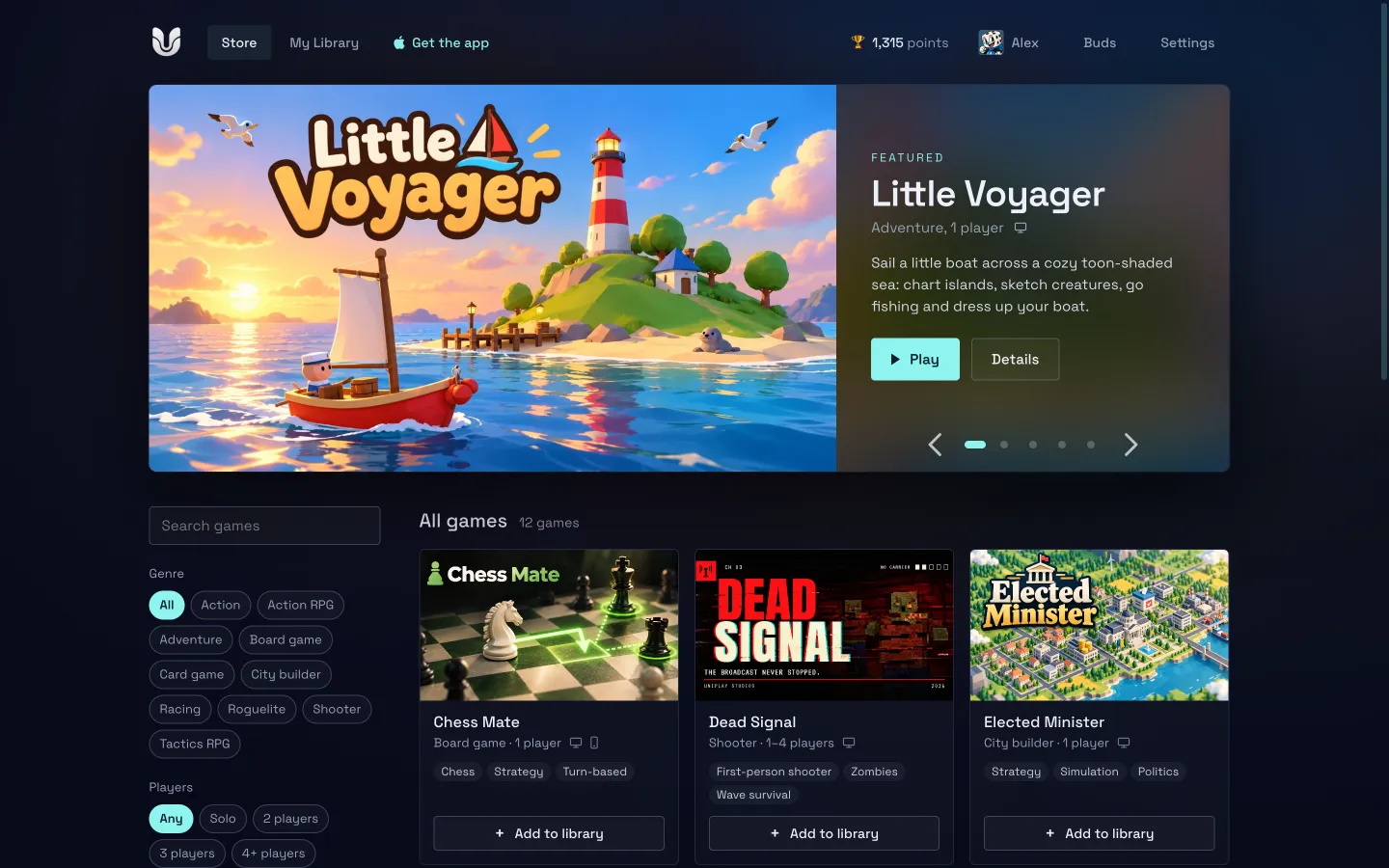
The games
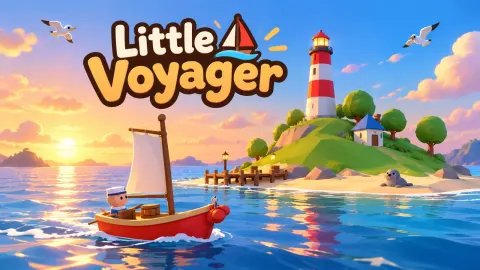
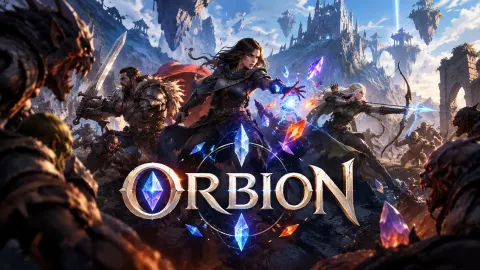
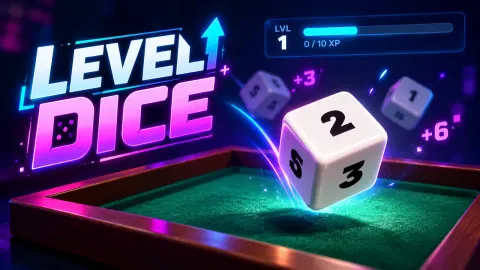
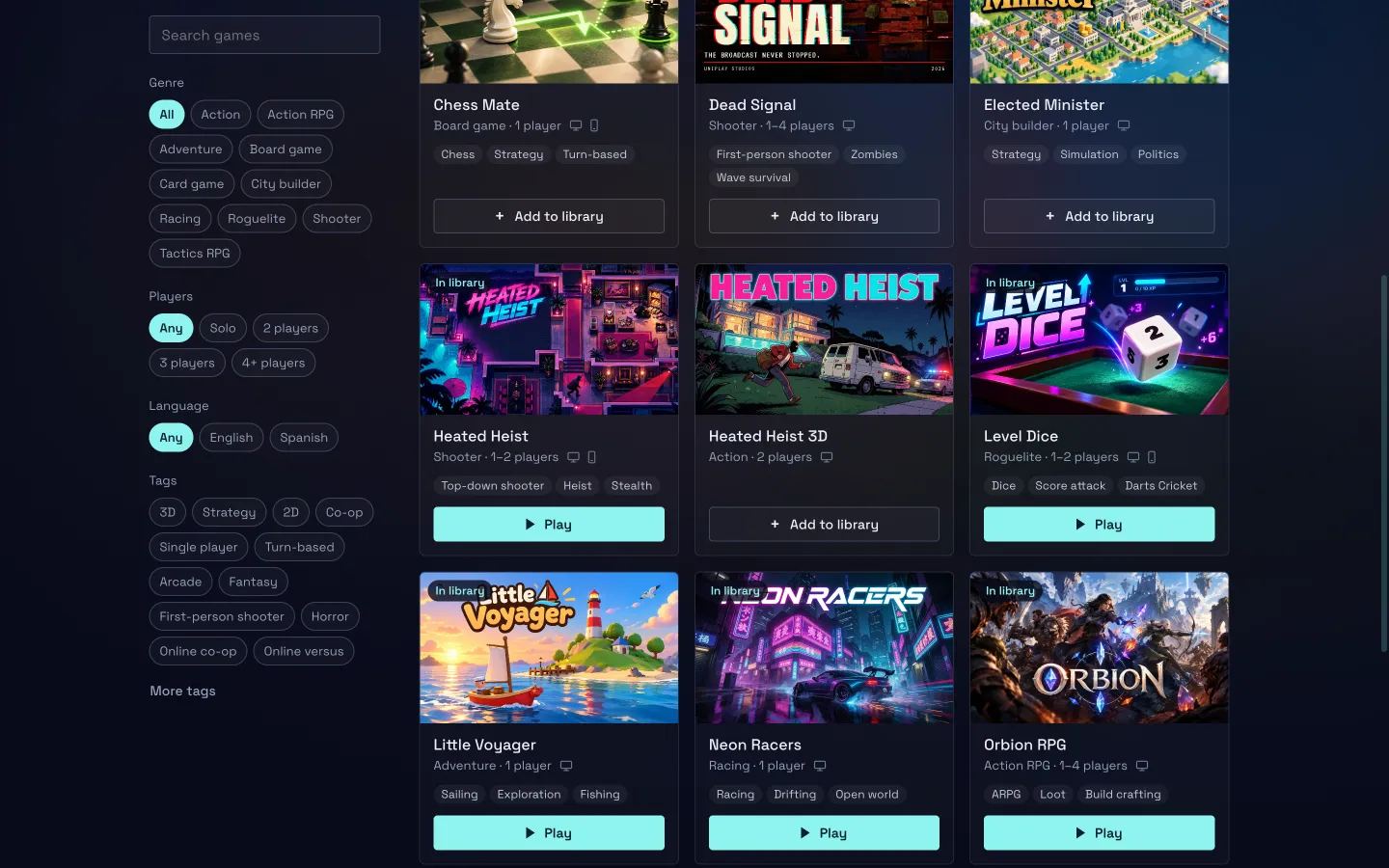
From a quiet sail to a four-player firefight.
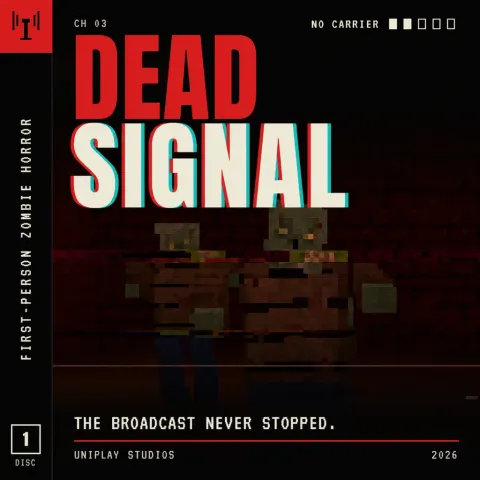
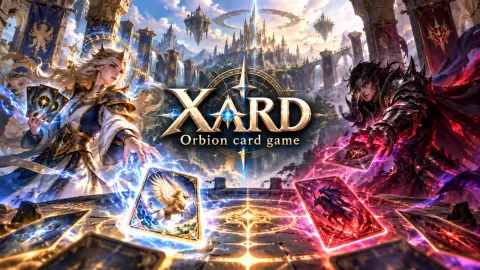
Adventures, roguelites, action and tactics RPGs, racing, cards and chess, from Unikia Studio and the studios that publish with us. And new games arrive often.







Features
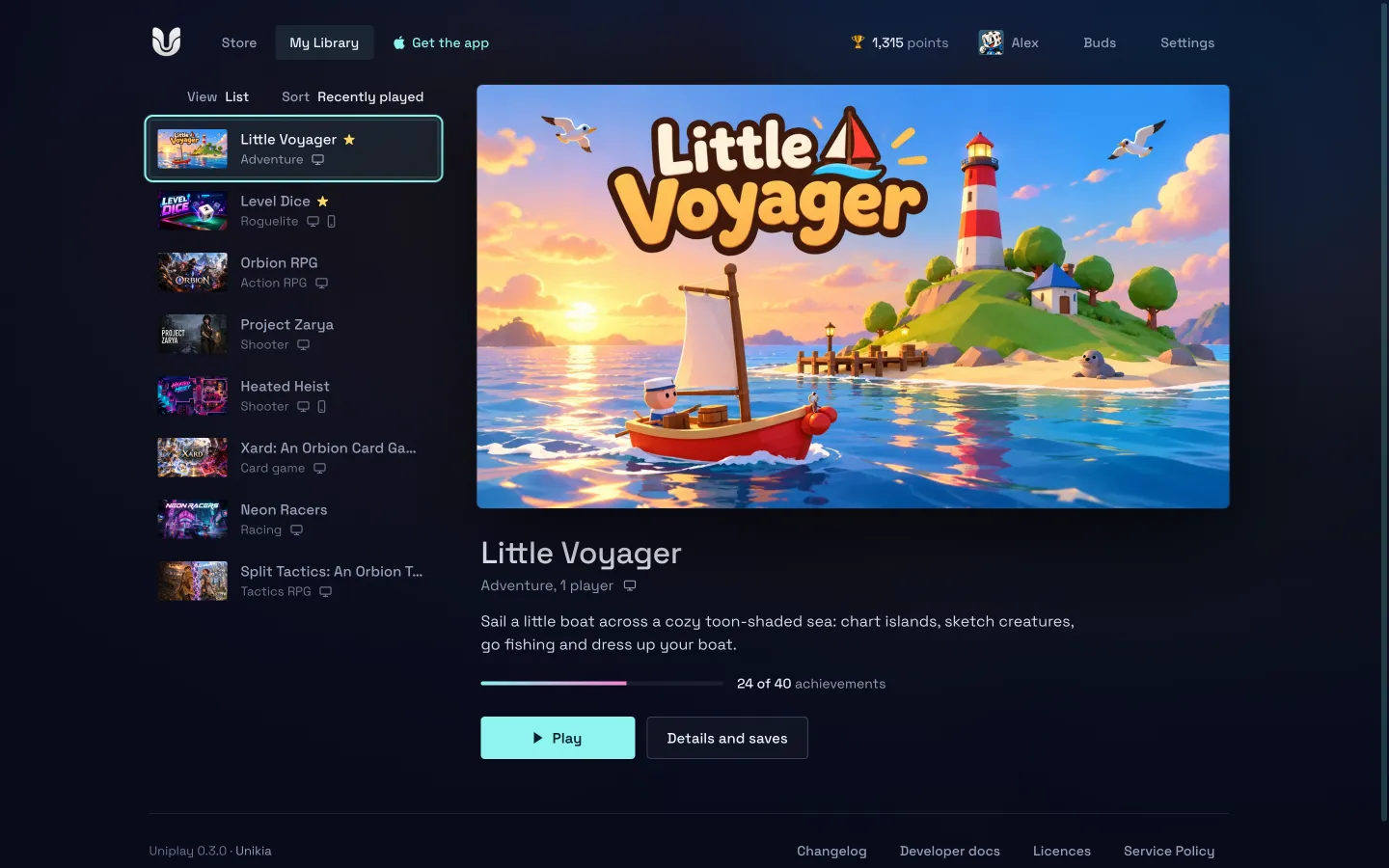
All your gaming, in one place.
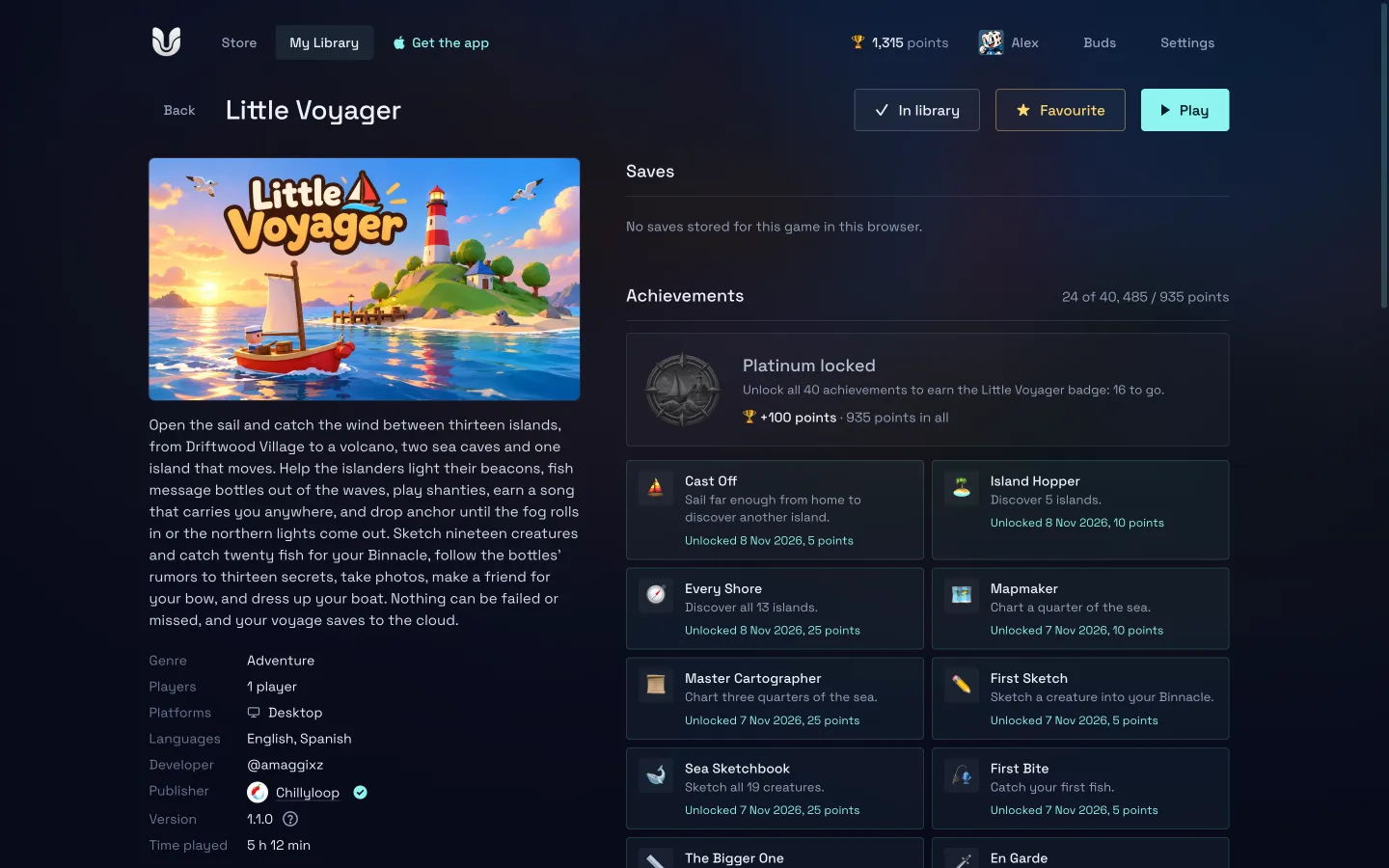
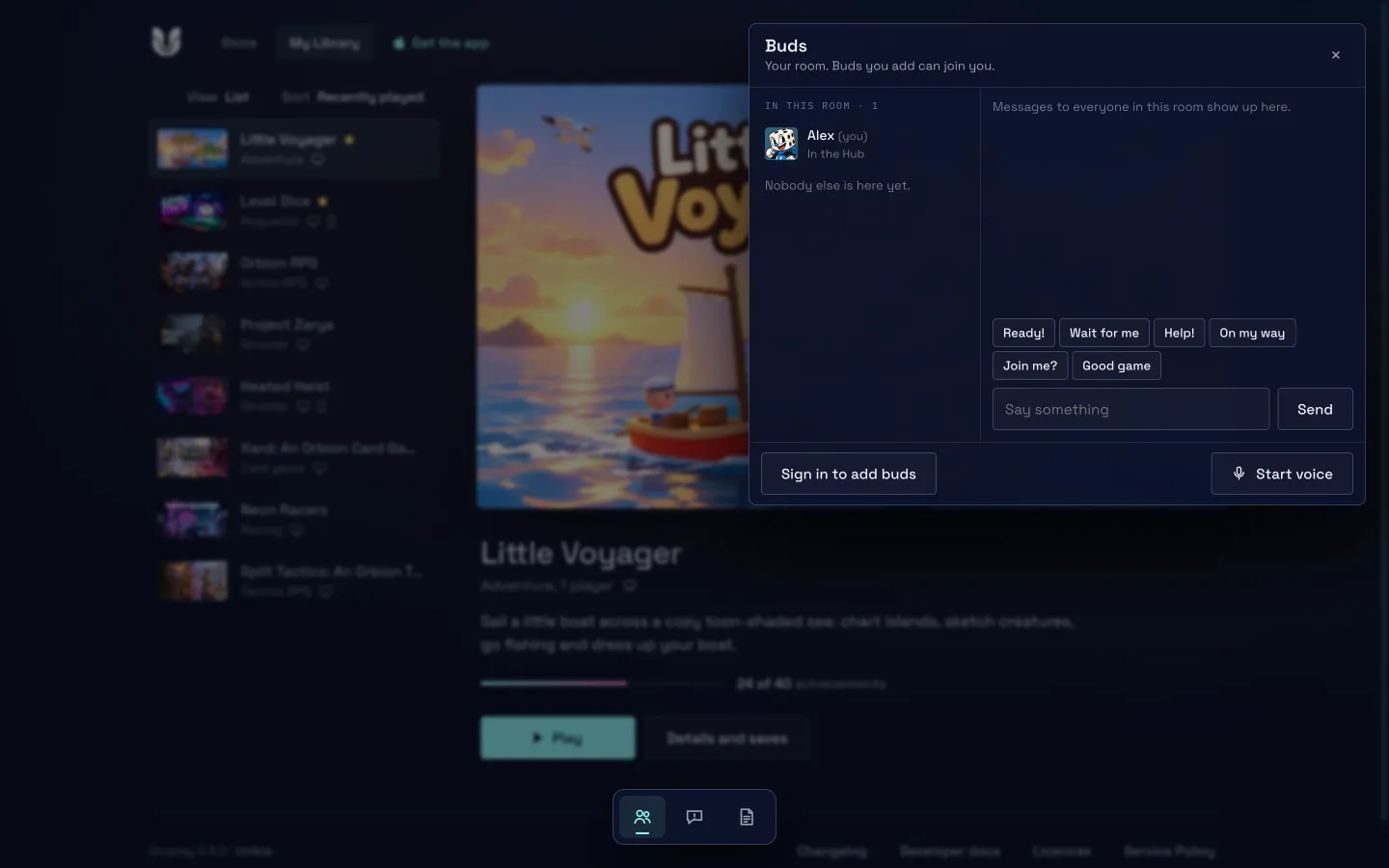
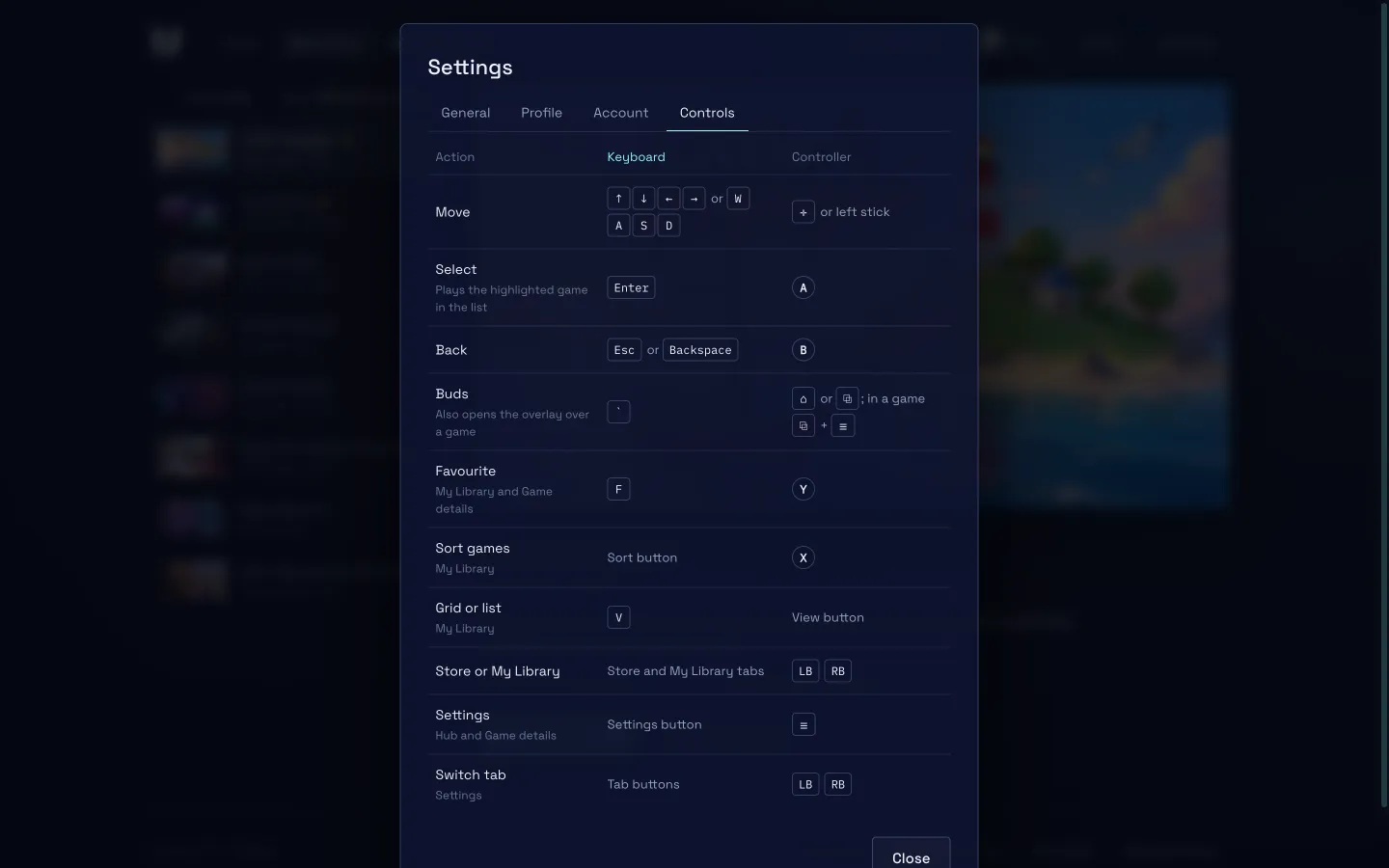
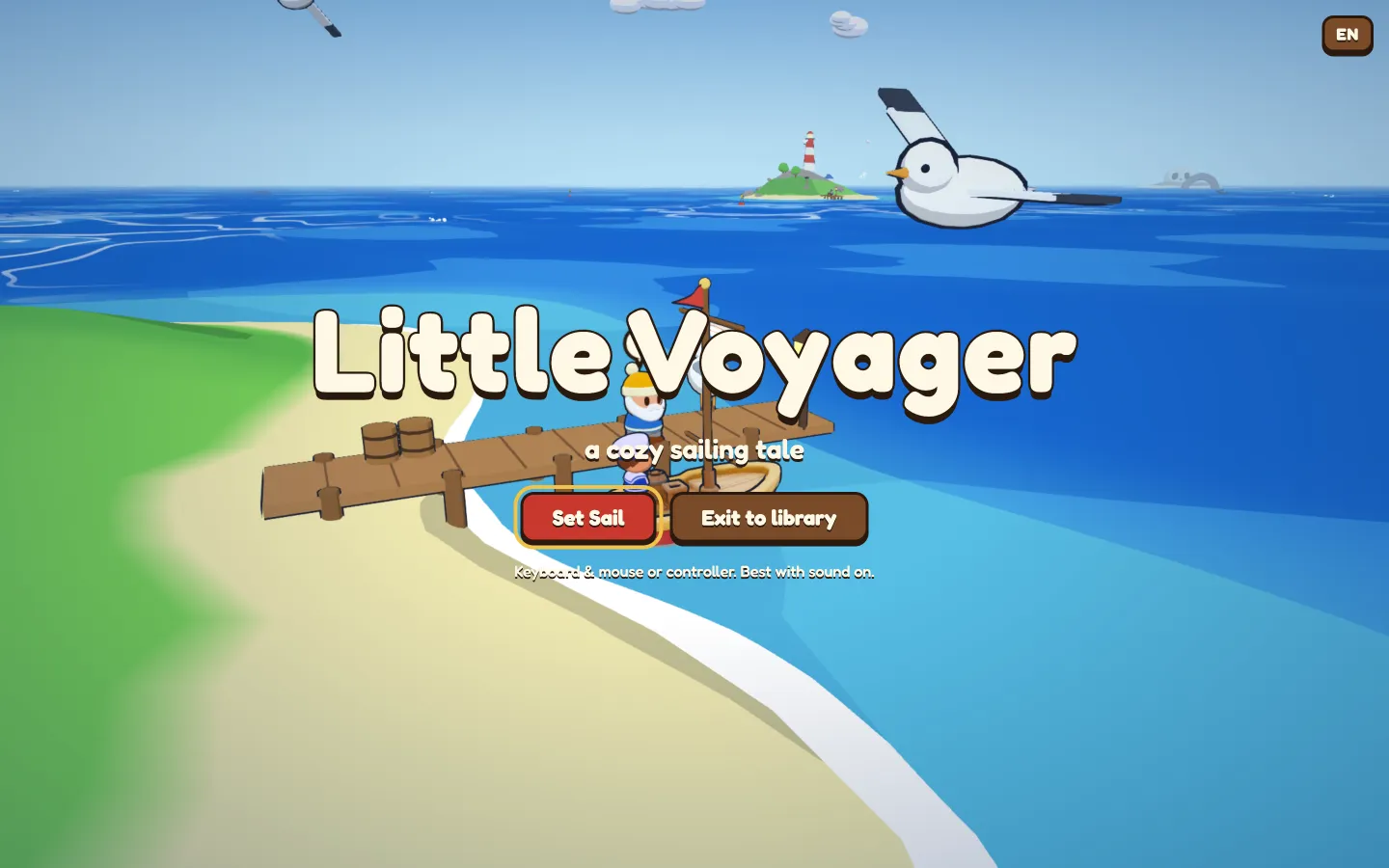
Play with your buds
Share a code. Play together.
Every player has a room. Give your friends its code and join the same game, with chat and voice at hand. Uniplay puts you all on the same version of the game before you start.
Uniplay for desktop
Download them. Play offline.
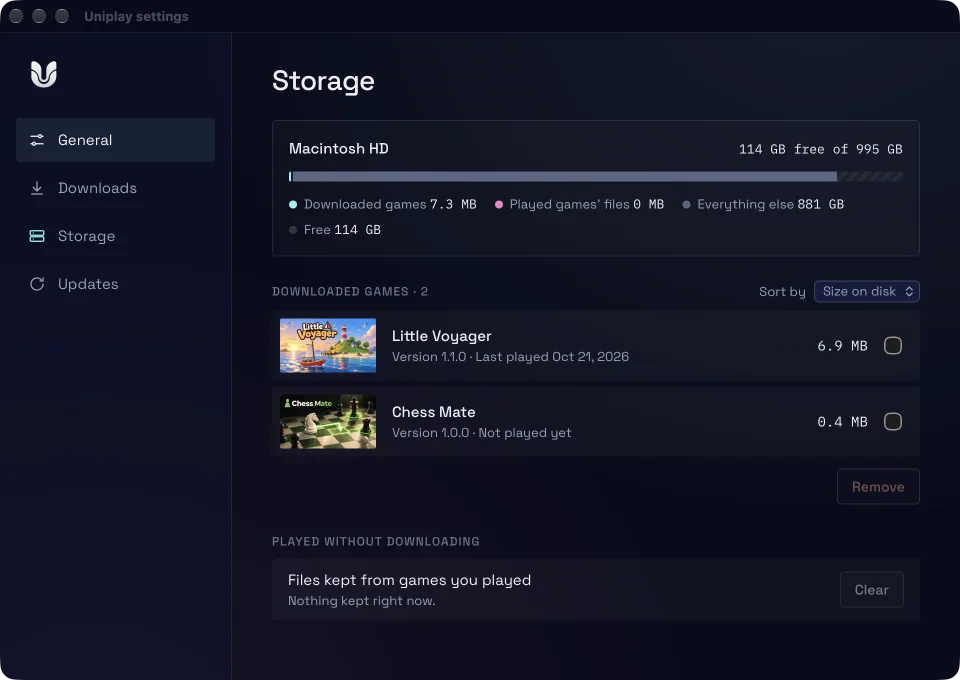
The app for Mac and Windows has the same games, your profile and your buds, and downloads any game to play offline, on your computer's own graphics: Metal on Mac and Direct3D 12 on Windows.
- Game updates arrive on their own and only download what changed.
- A dropped download carries on where it stopped, even after reopening the app.
- See how much space each game takes and free some up from Storage.
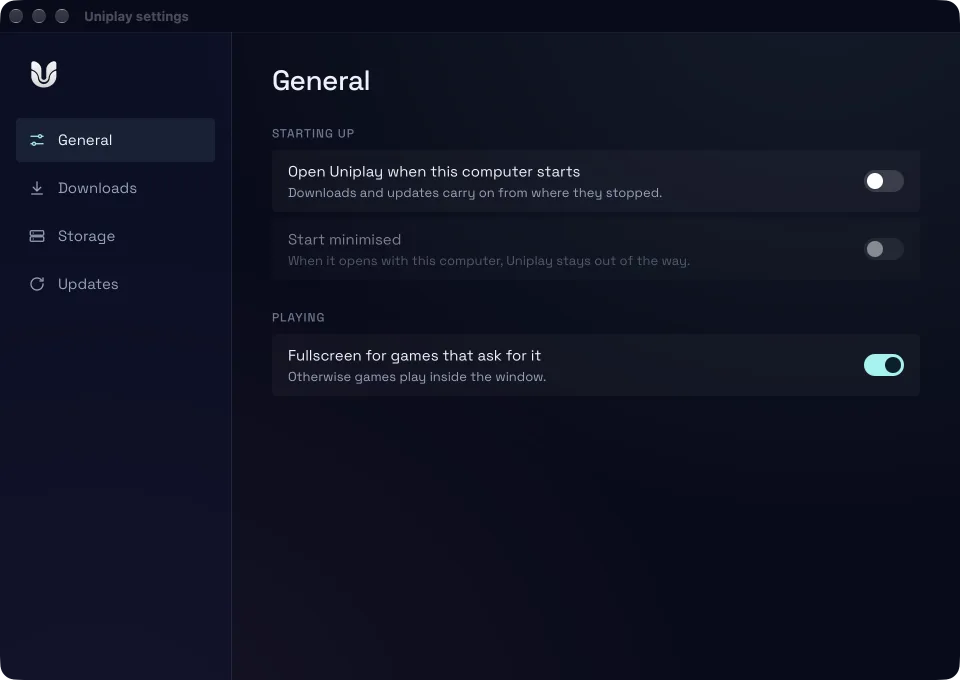
- Fullscreen for the games that ask for it, and opening when your computer starts.
Version 0.4.0 · macOS (Apple silicon and Intel) · 64-bit Windows
For developers
Publish your web game.
The Uniplay SDK gives your game achievements, saves, settings and online play with buds, and the UPE editor gets it ready to publish. Games up to 500 MB, with their own page, release notes and your publisher dashboard.
# check your game before you send it
$ npx -p @unikia/upe-cli uniplay validate

# and send it to Uniplay
$ npx -p @unikia/upe-cli uniplay submit
Questions.
How much does it cost?
Nothing. Playing at play.unikia.es and downloading the app for Mac or Windows are free.
Do I need an account?
No. Pick a name and play: your progress is kept in your browser. Sign in with Google to add buds and take your saves, achievements and library to any device.
Which browsers does it work in?
Current desktop browsers. 3D games use WebGPU, which Chrome, Edge and Safari already have. Some games work on phones too, and the Store tells you which.
What does the desktop app add?
Downloads to play offline, automatic updates in the background, fullscreen, and your computer's graphics without going through a browser. Your profile and your buds are the same as on the web.
Something not working, or got an idea?
In Uniplay, Settings › Send feedback sends us the problem with its technical details, or write to us at [email protected].

Pick a game. You're already playing.
Straight away in your browser, or on your Mac or PC with the app.